All courses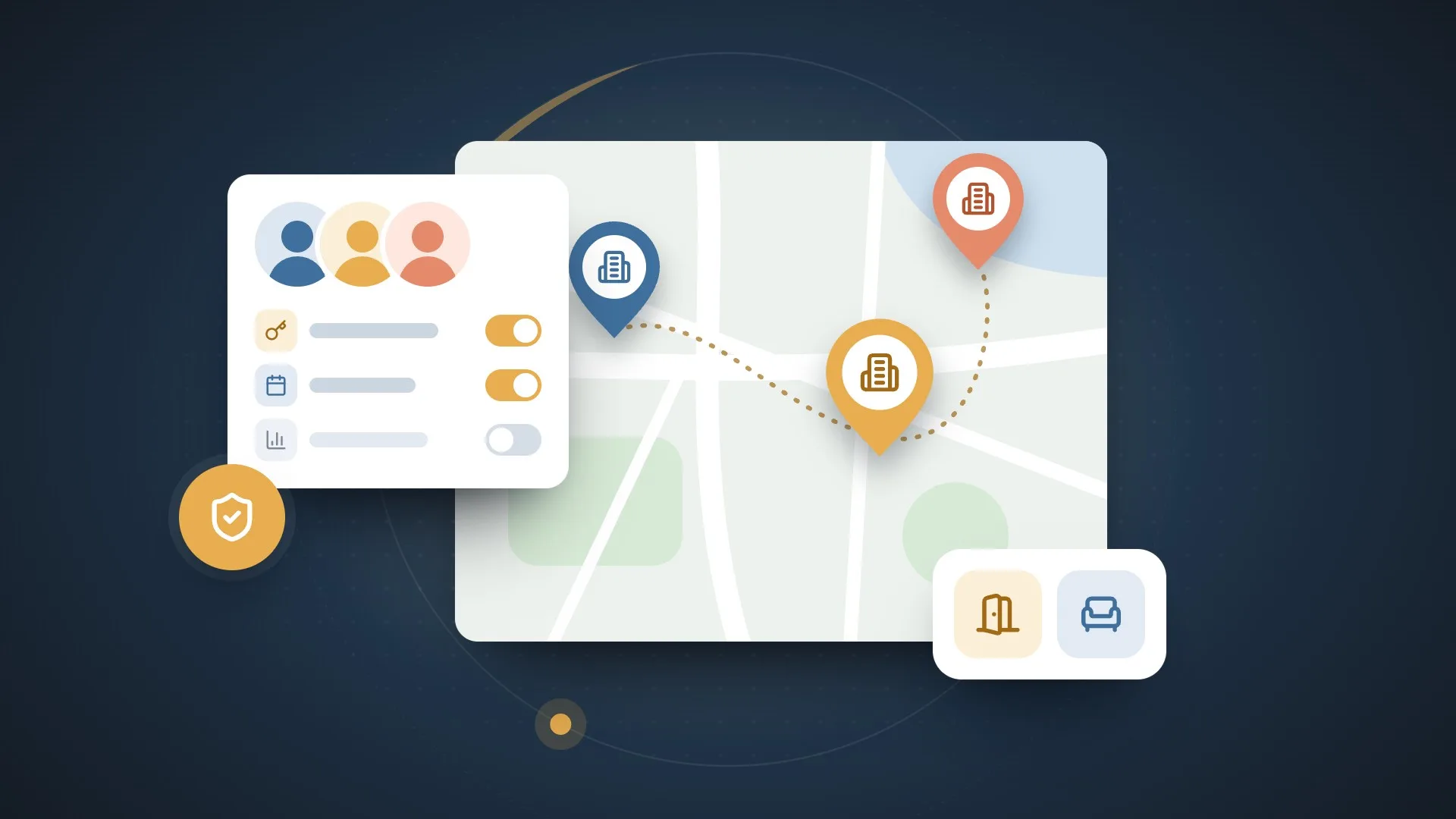
Planfly Web
Team, Branches and Resources
Set roles and permissions and manage branches, rooms and equipment.
3 lessons4 min
Course content
Your progress0 / 3 lessons
- 1Team Roles and PermissionsDecide who can sign in to your dashboard and what they can see. We cover the Owner, Manager and Staff roles, changing roles and removing access.Video1:27
- 2Add and Manage BranchesRunning more than one location? Add a branch and set specialists, services and working hours per branch. Customers choose a branch first when they book.Video1:29
- 3Manage Rooms and Equipment (Resources)Only one laser room or device? Add it as a resource so you never book more appointments than it can handle.Video1:21