Усі курси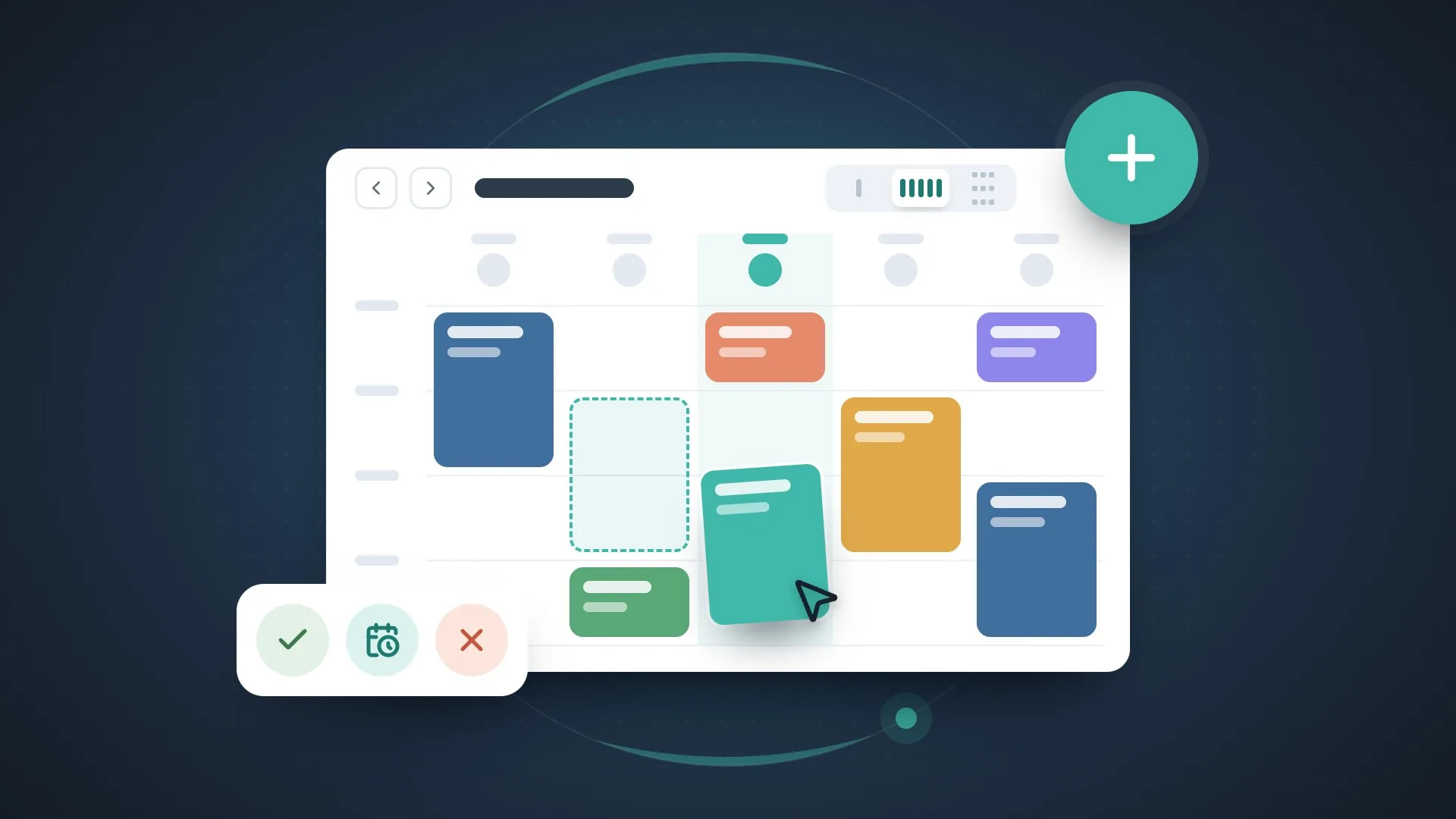
Planfly Web
Calendar and Appointments
Create and reschedule appointments and get the most out of your calendar.
4 уроки5 хв
Зміст курсу
Ваш прогрес0 / 4 уроків
- 1Create an Appointment from the CalendarAdd bookings that come in by phone, walk-in or message to your calendar in seconds. Click an empty slot, choose the customer and service, and you are done.Відео1:12
- 2Reschedule, Cancel and Update Appointment StatusDrag an appointment to a new time, cancel it, or mark it as no-show or completed. Your customer is notified automatically.Відео1:11
- 3Use the Calendar: Day, Week and Specialist FilterAll your team's appointments in one calendar. Move between days, switch to week view and filter by specialist.Відео1:02
- 4Booking Online as a CustomerWhat do your customers experience on your booking page? Watch a customer pick a service, specialist and time on their phone, with no sign-up or app needed.Відео1:13